How to Practice the Intervention
Download PDF to print
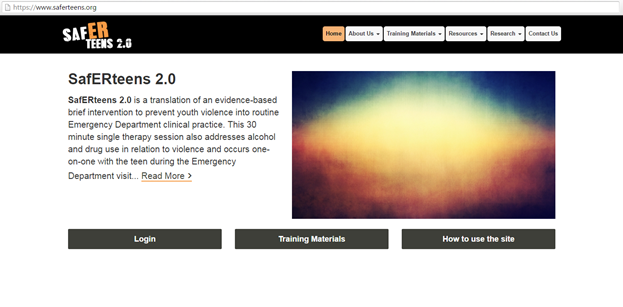
- Click the Login button
- Enter your log in information
- You will see this screen:
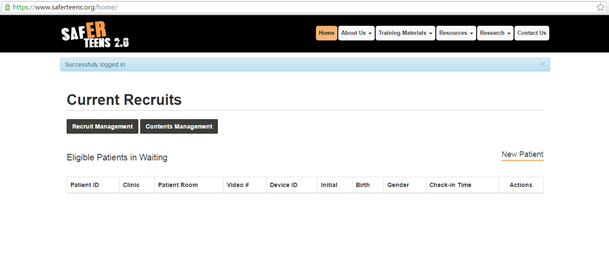
- Select New Patient
- You will be asked if you are sure
- On the new patient screen, you should type in the following information while you are in training mode (Note: use training mode while practicing. When you are with real patients, you can choose your clinic/hospital):
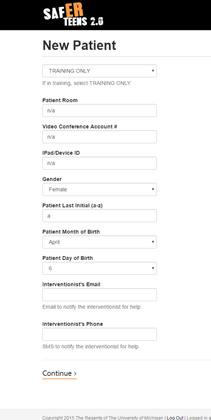
- Hit continue and you will go directly to this page:
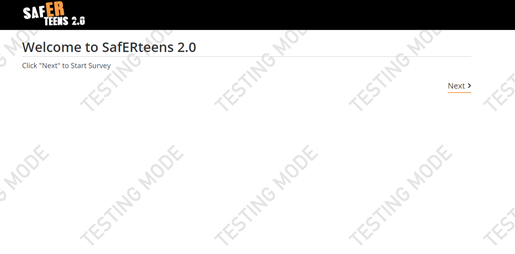
- At this point in the real study/intervention, we would hand the tablet to the patient to take the survey, but since we are in training, go ahead and answer the questions. To be eligible for the study, you must answer that you have done one of the three questions at least once in the past 3 months.
- If you are eligible for the intervention you will see this:
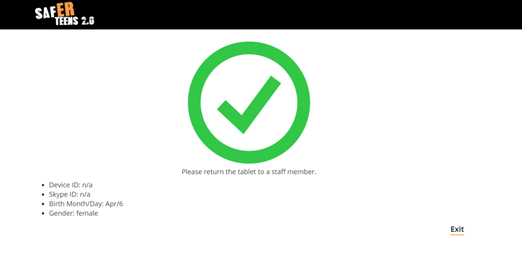
- Hit exit
- You will return to the SafERteens' homepage.
- You will need to log in again to start the intervention.
- Log in and you will now see your “patient” in your list of current recruits:
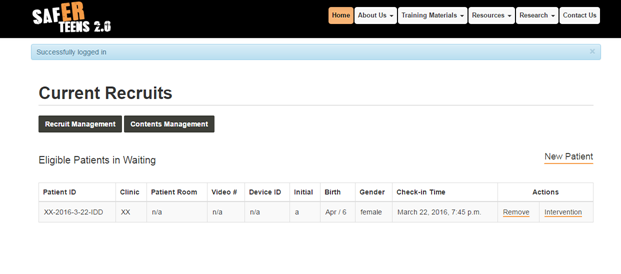
- Click “intervention” to start the intervention
- Feel free to click through the slides and practice delivering the intervention. Notice you can go back and forth, and hit the help screen on each slide to get tips, suggested questions or prompts, and the goal of each page.
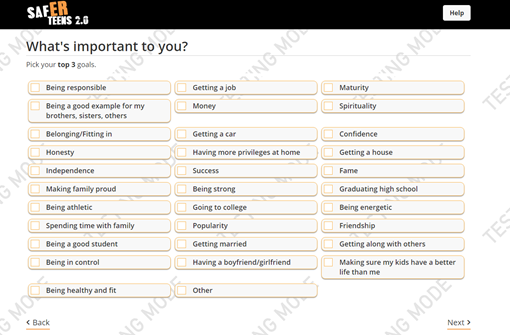
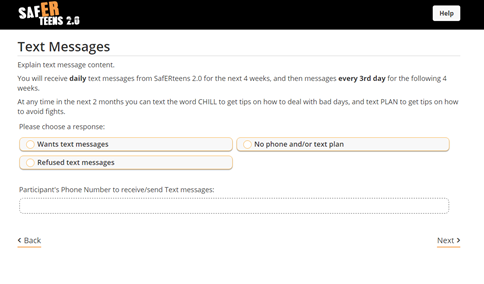
- In testing mode we have removed the ability to choose text messaging in order to conserve money. Here is what the screen would look like though: